
What Is Front-End Development? A Complete Guide
The front end is the part of a website or application that users see and interact with directly. Learn the core front-end languages, essential skills, responsive design principles and a practical learning path.
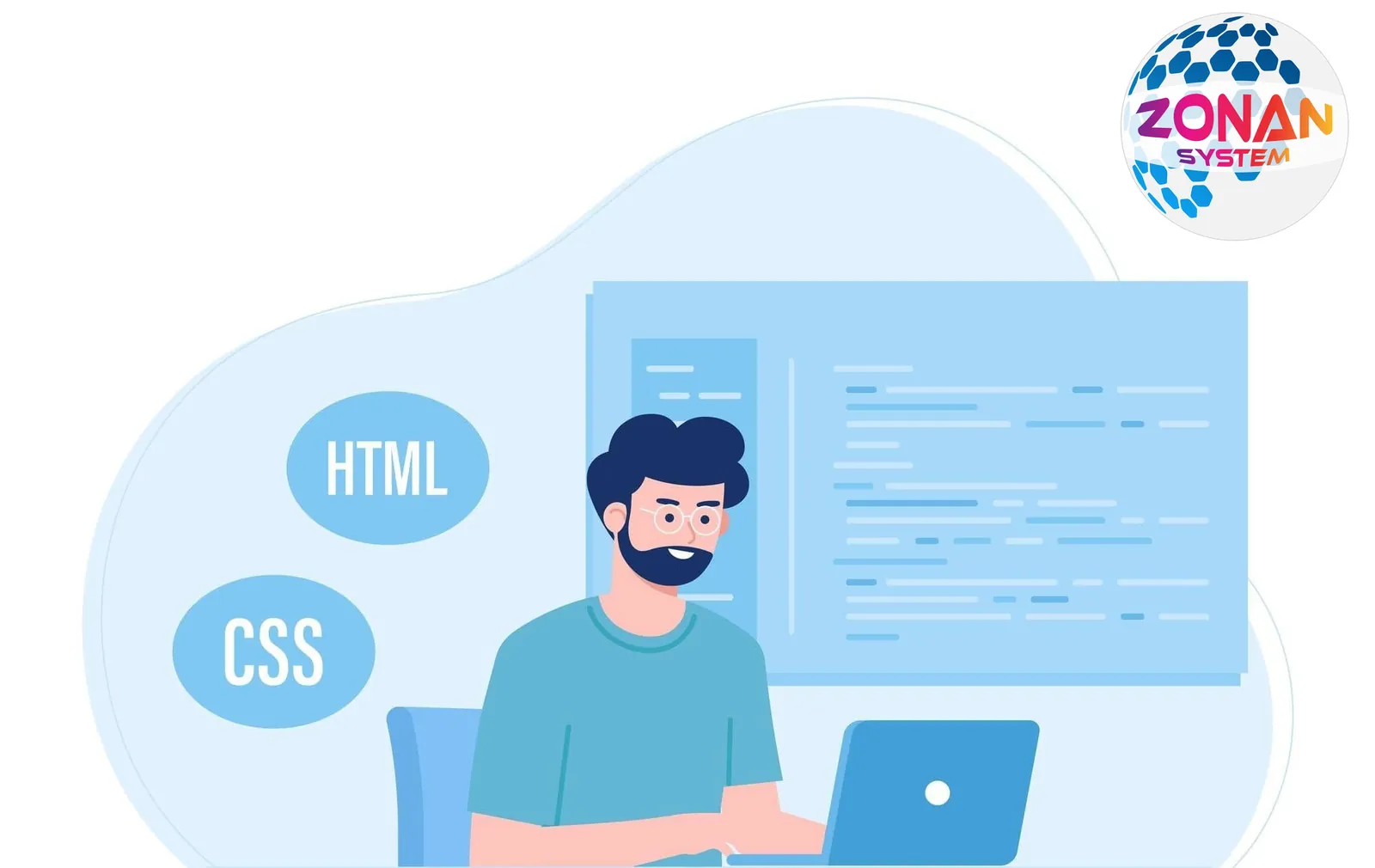
The front end is one of the core parts of an application or website, and it is the part that comes into direct contact with users. It is usually what you see in a web browser or an app, and it encourages users to explore and use the features and services on offer. As its name suggests, the front end is the very first layer users meet: it welcomes them into the world of the application and draws them into the system. Key elements of the front end include visual design, communication with the user and the presentation of initial information.
What Is the Front End?
In technical terms and in software development, the "front end" refers to the part of an application or website that interacts directly with the user and is visible in a web browser or app. This part of an application is usually responsible for the visual aspects and the user interface (UI), and it is used to deliver a positive, friendly user experience. For example, designing web pages, running animations, providing data-entry forms and presenting data in an attractive, understandable way are all front-end responsibilities. In short, the front end is the part users interact with directly, and it shapes their first impression of an application or website.
What Are the Front-End Programming Languages?
Front-end languages are used to build, and enable interaction with, the user-facing parts of applications and websites. Some of the best-known front-end languages are:
1. HTML (HyperText Markup Language): The core language for structuring websites and creating elements such as visual elements, text, links and forms.
2. CSS (Cascading Style Sheets): Used to design and set the style and appearance of HTML elements, including size, colour, font and layout.
3. JavaScript: A scripting language used to add dynamic, interactive behaviour to websites, such as animations, form validation and communication with the server.
In addition, JavaScript frameworks and libraries such as React.js, Vue.js and AngularJS are used to build front-end applications, helping speed up development and improve the user experience.
HTML
HTML, or HyperText Markup Language, is the language used to structure the content of websites. It is fundamental to web development and allows content to be displayed in an organised way, giving us access to elements such as visual elements, text, links, tables, forms and other components of a website.
HTML is made up of tags, or elements, each with a specific job. For example, the <h1> to <h6> tags define headings of different sizes, the <p> tag displays a paragraph of text, the <a> tag creates links, and so on.
HTML also uses attributes to add extra properties to elements. For example, you can add the href attribute to an <a> tag to link it to the URL you want.
In short, HTML is the primary tool for structuring content on websites; without it, building web pages effectively would not be possible.
CSS
CSS, or Cascading Style Sheets, is the language used to design and set the style and appearance of HTML elements on websites. With CSS, we can control the colour, font, size, line spacing, layout, animation and other visual properties of HTML elements to improve a website's visual design and appeal.
CSS is made up of rules known as styles. A style usually consists of a selector and a set of properties and values applied to the target HTML element. For example, using CSS we can define a style that changes the text colour of a <p> element to yellow.
CSS allows web developers to separate visual styling from the structure of the HTML content, which makes websites easier to maintain, extend and manage.
JavaScript
JavaScript is one of the most powerful and widely used programming languages on the web. It was originally created to build client-side applications for web browsers, but it is now used in many areas, including web development, server-side programming, game development, mobile development and even robotics.
As a dynamic programming language, JavaScript offers extensive capabilities for interacting with web pages and creating dynamic elements. It can create visual effects, validate data, send and receive data from the server and change the content and properties of web pages.
In addition, thanks to its widespread use and modern runtimes such as Node.js, JavaScript can now also run on servers, enabling the creation of complex, scalable web applications.
What Skills Do You Need for Front-End Development?
Front-end development requires a range of skills and knowledge that enable you to create web pages and applications with an excellent user experience. Some of the essential skills are:
1. HTML: A solid command of HTML is essential for structuring web pages and creating elements such as text, images, links and forms.
2. CSS: Familiarity with CSS for styling and designing attractive websites and applications is a core skill.
3. JavaScript: Mastery of JavaScript is very important for adding dynamic behaviour, interactivity and animation to web pages.
4. JavaScript frameworks and libraries: Familiarity with frameworks and libraries such as React.js, Vue.js or AngularJS can make the development process easier and faster.
5. UI/UX design: Understanding the fundamentals of user interface and user experience design is vital for creating high-quality, successful websites and applications.
6. Development tools and processes: Knowing how to use tools such as code editors, version control systems, package managers and build & test tooling is important.
7. Communication and collaboration skills: The ability to work with other members of the development team, such as designers, back-end developers and content managers, is essential for delivering successful, well-optimised projects.
Overall, the ability to combine technical skills with design and communication skills helps front-end developers create high-quality, engaging projects.
Learning HTML, CSS and JavaScript
Learning HTML, CSS and JavaScript is the first step towards working as a front-end developer, and fortunately these languages are easy to access, with plenty of learning resources available. Here are a few steps for learning them:
1. Start with HTML:
– Study the fundamentals of HTML, such as tags, attributes and the structure of web pages.
– Complete exercises to practise and reinforce what you have learnt.
2. Get to know CSS:
– Study the basic concepts of CSS, including selectors, properties, classes and IDs.
– Create different styles for different HTML elements and work through related exercises.
3. Get to know JavaScript:
– Start with the basic concepts of JavaScript, such as variables, operators and control flow.
– Progress to topics such as data types, arrays, functions and events.
– Build small projects and practise JavaScript programming.
4. Practice and hands-on projects:
– Build practical projects using HTML, CSS and JavaScript together.
– Take part in training projects or coding competitions to practise your skills.
– Get involved in the web development community, for example on Stack Overflow or GitHub, to learn more and improve your skills.
There are also many learning resources online that you can use to learn HTML, CSS and JavaScript, including video tutorials, books, educational websites and online courses.
Getting to Know Front-End JavaScript Libraries and Frameworks
JavaScript libraries and frameworks are popular, widely used tools that front-end developers use to build dynamic and varied web applications. They help make development faster and more efficient. Some of the best-known JavaScript libraries and frameworks are:
1. React.js:
– One of the most popular and powerful JavaScript libraries for building reactive websites and web applications.
– It uses a component-based architecture that makes developing and managing applications simpler.
2. AngularJS / Angular:
– A powerful framework for building single-page applications (SPAs).
– It uses component-based design and has extensive capabilities for managing data and the UI.
3. Vue.js:
– A lightweight, flexible JavaScript framework for building dynamic, reactive user interfaces.
– It is very popular among developers because of its simplicity and power.
4. jQuery:
– A JavaScript library used to simplify DOM interactions and create animations and visual effects on websites.
– Although it has been very popular since the early days of the web, it is used less with the arrival of newer frameworks.
5. Bootstrap:
– A CSS and JavaScript framework for designing modern, responsive websites.
– It includes ready-made templates, components and design tools for building websites quickly.
There are also other libraries, such as Svelte, Ember.js, Backbone.js and Meteor.js, that help with building JavaScript applications. Choosing the right framework or library depends on your needs, skills and projects.
Understanding the Principles of Responsive Design
Responsive design is an approach to designing websites and web applications that ensures the site or app displays correctly and appropriately across all kinds of devices and screen sizes. The main principles of responsive design are:
1. Logical HTML structure: Use HTML elements appropriately, with a structure that is easy for different devices to parse.
2. Relative units of measurement: Instead of fixed units such as pixels, use relative units such as percentages or ems so the design adapts easily.
3. CSS frameworks and libraries: Using CSS frameworks and libraries such as Bootstrap, Foundation or MaterializeCSS helps make responsive design faster and more efficient.
4. Managing images and layouts: Using adjustable images and flexible layouts helps content display correctly at different sizes.
5. Managing media behaviour: Use CSS media queries to change styles and layouts based on screen size and device characteristics.
6. Testing and debugging: Continuously test and debug on different devices and in different browsers to make sure the website or app displays correctly in every situation.
Responsive design is very important because users today access the internet from many different devices and browsers, and a good user experience in all these situations matters a great deal.
How Much Do Front-End Developers Earn?
Front-end developer salaries depend on various factors, including experience, location, skills and areas of specialism. In many countries, front-end developers' salaries sit, on average, between those of back-end developers and UI/UX designers.
In the United States and Europe, front-end developers with around 1–5 years of experience can earn an average of roughly $60,000 to $100,000 a year. This can, however, vary depending on location, company and industry.
In countries such as India and China, front-end developer salaries may be lower, in the region of $10,000 to $30,000 a year, although this too depends on various factors.
Note that these figures are estimates and may vary depending on circumstances. In some cases, front-end developers can also increase their income through freelance work and independent projects.
What Is the Difference Between Front-End and Back-End Development?
Front-end and back-end development are the two main parts of web development, each with different tasks and responsibilities. The key differences are as follows:
1. Front-end development:
– Front-end development covers building the parts of websites and web applications that users see and use directly in their web browsers.
– Front-end developers usually work with HTML, CSS and JavaScript, and their tasks include structuring pages, design and styling, and adding user interactions and animations to websites.
– The ability to work closely with UI/UX design and to use JavaScript frameworks and libraries are among the skills front-end developers need.
2. Back-end development:
– Back-end development concerns building and developing the hidden, behind-the-scenes parts of web applications that process and manage data, communicate with the database and deliver information to users.
– Back-end developers usually work with languages such as PHP, Python, Ruby, Java and JavaScript (using runtimes such as Node.js).
– Their tasks include designing and developing APIs, implementing business logic, and managing the security and performance of the application's back end.
In general, front-end developers focus on appearance and user experience, while back-end developers are responsible for building and managing the behind-the-scenes functionality and processing of applications.
What Is the Difference Between a Front-End Developer and a UI Designer?
Front-end developers and UI designers play different roles in web development and generally deal with different aspects of designing and building web pages. As well as their differences, the two roles also have some things in common:
1. Front-end developer:
– Front-end developers are responsible for writing the code and programs that users interact with in their web browsers.
– They use HTML, CSS and JavaScript to build and style web pages and add user interactions.
– Front-end developers may also take on tasks such as connecting to APIs and managing events and animations.
2. UI designer:
– UI designers are responsible for designing the user interface and the user experience of web pages.
– They use graphic design tools such as Adobe XD, Sketch or Figma to design web pages, colour schemes, icons and design patterns.
– UI designers need to pay attention to details such as typefaces and font sizes, colours, white space and the distribution of elements to create an optimal user experience.
What they have in common:
– Both roles apply core UI design principles.
– Both need to collaborate and interact with developers and other members of the development team to create a sound, complete user experience.
– Both roles focus on capturing users' attention and keeping them satisfied.
What Is the Front-End Learning Path?
A front-end learning path might look like this:
1. Learn HTML and CSS:
– Start by learning the basic concepts of HTML for structuring web pages.
– Study tags, attributes, forms, images and links in HTML.
– Get to know CSS properties and units for colours, fonts, backgrounds, margins and positioning.
– Practise and apply what you have learnt by designing simple pages.
2. Get to know JavaScript:
– Learn the basic concepts of JavaScript, including variables, data types, operators and control flow.
– Learn about the DOM and events for interacting with HTML elements on web pages.
– Progress to concepts such as arrays, functions, object-oriented programming and AJAX for communicating with the server.
3. Get to know JavaScript frameworks and libraries:
– Learn popular frameworks such as React.js, Vue.js or AngularJS for building advanced applications.
– Study useful libraries such as jQuery that make development easier.
4. Other technical skills:
– Get to know supporting tools and technologies such as Git for version control and code editors for development.
– Practise and build hands-on projects to apply and consolidate the skills you have learnt.
5. Get to know UI/UX design:
– Learn the principles of user interface and user experience design to create websites and applications with a better user experience.
– Study how to use design tools such as Adobe XD, Sketch or Figma.
6. Communication and collaboration skills:
– Develop the ability to work with other members of the development team, such as designers and back-end developers, to deliver successful projects.
Conclusion
The front end is one of the main areas of web development, focused on appearance and user experience (UI/UX). Front-end developers use HTML, CSS and JavaScript to build and style web pages and implement user interactions. The field also involves knowledge of JavaScript frameworks and libraries such as React.js, Vue.js and AngularJS. Front-end developers should also understand UI design concepts so they can deliver a better user experience.

Zonan System Team
Software & AI team
Developers, designers and AI engineers at Zonan System, writing about practical AI, software development and digital business.
Need advice for your project?
Zonan System experts will guide you for free.

Comments (0)
Be the first to comment.