Online Booking System: A Practical Guide for Small Businesses
What an online booking system is, the features that matter, ready-made vs custom software, indicative costs and a step-by-step plan to roll out online booking in a small business.
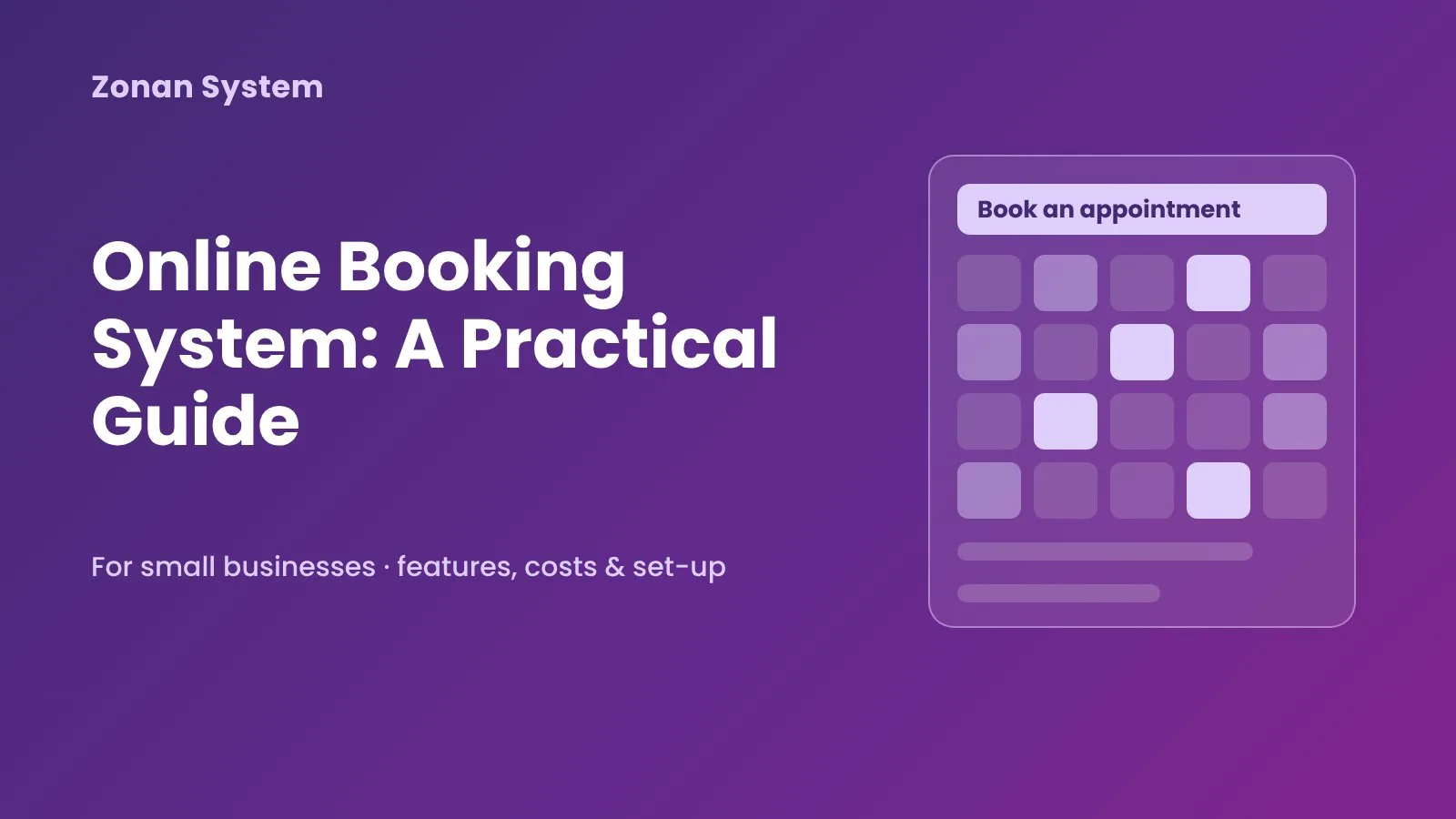
An online booking system lets customers see when you are free and book an appointment, table, room or class themselves, at any time of day, without a phone call. For a small business that sounds like a convenience, but done well it changes how the whole day runs: fewer missed calls, fewer no-shows, a calendar that fills itself and staff who spend their time with customers rather than on admin. This guide explains how online booking systems work, which features matter, how to choose between a ready-made tool and a custom build, and how to roll one out without upsetting your regular customers.
Key takeaways
- An online booking system shows real-time availability, takes the booking, confirms it and reminds the customer automatically.
- The features that pay back fastest are automatic reminders, deposits or prepayment, and a calendar that syncs with the tools your team already uses.
- Ready-made booking software suits standard appointment businesses; a custom system makes sense when your rules, resources or pricing are unusual, or booking is central to your business.
- Data protection, mobile experience and how the system handles cancellations matter more than a long feature list.
- Start with one service or location, measure missed calls, no-shows and admin time, then expand.
What is an online booking system?
An online booking system is software that publishes your availability on the web, lets customers choose a service and a time, collects their details (and, if you wish, a payment) and records the booking in a calendar your staff can see. Depending on the business, the "thing" being booked might be a person (a therapist, stylist or consultant), a resource (a room, court, vehicle or piece of equipment), a place (a table or a seat on a course) or a combination of these.
Most systems have three parts: a customer booking page or widget on your website and social profiles, a staff calendar and admin panel where bookings, schedules and resources are managed, and a set of automations that send confirmations, reminders, follow-ups and reports. Behind the scenes, the system applies your rules: opening hours, service durations, buffer times between appointments, who can do which service, and how far in advance people can book or cancel.
Who benefits most from online booking?
Any business that sells time or capacity can use online booking, but it tends to make the biggest difference where appointments are frequent, the phone is busy and a missed slot is lost revenue. Typical examples include:
- Health and wellbeing: clinics, physiotherapists, therapists, dentists, personal trainers.
- Beauty and personal care: salons, barbers, spas and nail studios.
- Hospitality: restaurants, cafés, hotels, guest houses and event venues.
- Professional services: accountants, solicitors, consultants and tutors offering consultations.
- Leisure and education: gyms, studios, sports facilities, driving schools and training providers.
- Field services: cleaners, engineers and installers who book visits into time windows.
If your team regularly says "let me check the diary and call you back", an online booking system is likely to save time within the first few weeks.
Benefits of an online booking system for small businesses
Bookings around the clock
Customers increasingly book in the evening or at weekends, when nobody is there to answer the phone. A booking page captures those customers instead of leaving them to try a competitor whose diary is online.
Fewer no-shows
Automatic email and SMS reminders, a clear cancellation policy and, where appropriate, a deposit at the time of booking are the most effective ways to reduce no-shows. The system can also offer freed-up slots to a waiting list automatically.
Less admin and fewer mistakes
Double bookings, misread handwriting and forgotten call-backs disappear when there is one calendar and the system only shows free slots. Staff no longer copy details from a phone call into a diary and then into an invoice.
Better information for decisions
Because every booking is recorded, you can see which services are popular, which days are quiet, how many bookings are cancelled and how far ahead customers plan. That makes staffing, pricing and promotions far less of a guess.
Essential features to look for
Feature lists can be long. These are the capabilities that matter most for most small businesses:
- Real-time availability that respects opening hours, staff rotas, service durations and buffer times.
- Mobile-first booking pages, because most customers will book from their phone.
- Automatic confirmations and reminders by email and SMS, with easy self-service rescheduling and cancellation.
- Online payments, deposits and packages, including refunds handled according to your policy.
- Calendar sync with Google Calendar or Microsoft Outlook so staff see bookings where they already work.
- Staff and resource management: who offers which service, which room or equipment is needed, holidays and breaks.
- Customer records with booking history and notes, ideally connected to your CRM.
- Reports on bookings, revenue, cancellations and utilisation.
- Branding and embedding so the booking flow looks like part of your website rather than a third-party page.
- Security and data protection: role-based access, secure hosting and clear handling of personal data in line with UK GDPR.
Ready-made booking software or a custom online booking system?
There are many good off-the-shelf booking tools, and for a lot of businesses they are the sensible first step. A custom system is worth considering when the standard tools force you to change the way you work, or when booking is the heart of your business model. The table below summarises the trade-offs; our article on bespoke vs off-the-shelf software goes into the decision in more depth.
| Factor | Ready-made booking software | Custom online booking system |
|---|---|---|
| Time to launch | Days | Typically weeks to a few months |
| Up-front cost | Low; monthly subscription | Higher; a one-off build plus hosting and support |
| Fit with your rules | Standard appointment logic | Built around your services, resources, pricing and policies |
| Branding and customer experience | Limited to the provider's templates | Fully your own, on your own domain |
| Integrations | The connectors the provider offers | Any system with an API, including in-house tools |
| Fees and data | Per-user or per-booking fees; data held by the provider | No per-booking fees to a platform; you own the data |
| Best for | Standard appointment businesses getting started | Multi-location, multi-resource or unusual booking models |
There is also a middle path: a ready-to-use product that can be branded and extended. Zonan System's online booking and appointment system is an example of this approach, and our shop lists the available plans.
Signs you have outgrown off-the-shelf booking tools
- You maintain spreadsheets or a second calendar because the tool cannot model your rooms, equipment or staff skills.
- Pricing depends on rules the software cannot express, such as peak times, memberships or bundles.
- You pay per-booking commission that grows faster than your margins.
- Bookings need to flow into other systems, such as stock, accounting or a member portal, and the integrations are missing or fragile.
- You want customers to book, order and pay in one branded experience.
How much does an online booking system cost?
Costs vary widely, so treat the following as indicative only. Ready-made booking tools usually charge a monthly subscription that depends on the number of staff, locations and features, and some add transaction or SMS fees. A custom online booking system is priced by the work involved: a focused system for one business with payments and reminders is usually in the range of a small internal tool or MVP, roughly $5,000 to $60,000 depending on scope, while multi-location platforms with complex rules, apps and many integrations cost more. Our custom software development cost guide explains what drives these figures and how to plan a reliable budget.
When comparing options, look at the total cost over three years, including subscriptions, transaction fees, SMS credits, staff time and the cost of workarounds, rather than the headline monthly price alone.
How to implement an online booking system step by step
- Map how bookings work today. List your services, durations, prices, staff, resources, opening hours and policies, and note where things go wrong.
- Decide your rules. Agree buffer times, how far ahead people can book, cancellation windows, deposits and who can override the system.
- Choose the approach. Try a ready-made tool against your real rules, or ask a development partner to scope a custom system.
- Connect the essentials. Calendars, payments, email and SMS first; CRM, accounting and marketing tools next.
- Test with real scenarios. Book, reschedule and cancel as a customer on a phone, and check what staff see each time.
- Launch gradually. Start with one service or location, keep the phone option for regulars and promote the booking link on your website, Google Business Profile and social channels.
- Measure and improve. Track online share of bookings, no-show rate, missed calls and admin time, then refine reminders, policies and the booking flow.
Automation and AI on top of online booking
Once bookings are digital, the next step is to automate what happens around them. Typical examples are sending intake forms before a first appointment, issuing invoices after a visit, asking for a review and offering cancelled slots to a waiting list; you will find more ideas in our workflow automation examples and on our workflow automation page. An AI chatbot or AI agent can also answer common questions and take bookings in chat on your website or messaging apps, handing over to a person when needed. We explain the benefits in AI chatbots for small business.
Common mistakes to avoid
- Too many choices on the booking page. Group services clearly and ask only for the details you really need.
- No reminders or policy. Without reminders and a visible cancellation policy, no-shows rarely fall.
- Ignoring the mobile experience. Test the full flow on a phone, including payment.
- Two calendars. If staff still keep a paper diary, double bookings return. Make the system the single source of truth.
- Forgetting your regular customers. Explain the change, help them book the first time and keep a phone option during the transition.
Frequently asked questions
What is the best online booking system for a small business?
The best system is the one that fits your services, rules and budget. For a standard appointment business, a well-reviewed ready-made tool is often enough. If you have several locations, shared resources, unusual pricing or need deep integrations, a custom or extendable system usually fits better.
Can I add an online booking system to my existing website?
Yes. Most booking systems can be embedded as a widget or linked from a button, and a custom system can be built as part of your website so the experience feels seamless and stays on your own domain.
Do online booking systems reduce no-shows?
They usually help, mainly through automatic reminders, easy rescheduling, clear cancellation policies and deposits or prepayment. The exact effect depends on your sector and customers, so measure your no-show rate before and after launch.
Can customers pay a deposit when they book?
Yes. Most systems connect to card payment providers so you can take a deposit, the full price or a package payment at the time of booking, and refund according to your policy.
Is an online booking system GDPR compliant?
Compliance depends on how the system is set up and run. Look for secure hosting, access controls, clear consent and privacy information, data retention settings and a data processing agreement with any provider that handles your customers' personal data.
How long does it take to build a custom online booking system?
A focused system with booking, payments and reminders for one business is typically delivered in a few weeks to a few months, depending on scope and integrations. Larger platforms are usually released in stages so you can start using the core features early.
Conclusion: make booking the easiest part of your customer's day
A good online booking system quietly removes friction for customers and staff alike: people book when it suits them, reminders arrive on time and your team sees a clear, accurate diary. Start with the rules that matter, choose the approach that fits your business today and build from there. If you would like help choosing or building the right system, see our online booking and ordering system development service or book a free consultation with the Zonan System team.
Zonan System Team
Software & AI team
Developers, designers and AI engineers at Zonan System, writing about practical AI, software development and digital business.
Need advice for your project?
Zonan System experts will guide you for free.
Comments (0)
Be the first to comment.