
Workflow Automation Examples: 15 Processes SMEs Automate First
Practical workflow automation examples for small and medium-sized businesses: 15 processes in finance, sales, operations, HR and reporting that are worth automating first, with effort levels, tool choices, where AI fits and how to start.
Most growing businesses do not need a robot army. They need the invoice to go out on time, the new lead to reach the right person within minutes and the monthly report to stop eating a Friday afternoon. The workflow automation examples below are the processes small and medium-sized businesses usually automate first, because they are frequent, rule-based and expensive to get wrong. For each one we explain what it looks like, what it connects to and how hard it is to set up.
Key takeaways
- The best first candidates for automation are tasks that happen often, follow clear rules and involve copying data between tools.
- Finance, sales follow-up, bookings, onboarding and reporting are where most SMEs see the quickest pay-back.
- Many workflows can be built with tools you already pay for; custom development makes sense when the process is complex or core to your business.
- Use simple rules where the logic is clear and add AI only where a step needs judgement, such as reading documents or sorting messages.
- Start with one process, measure the time saved and errors avoided, then expand.
What is workflow automation?
Workflow automation means letting software carry out the repeatable steps of a business process: moving data, sending messages, creating documents, asking for approvals and recording what happened. A person still decides what the process should be and handles the exceptions, but nobody has to retype a form into the CRM or chase an approval by e-mail. When the whole chain of steps across several teams is redesigned and automated, it is usually called business process automation.
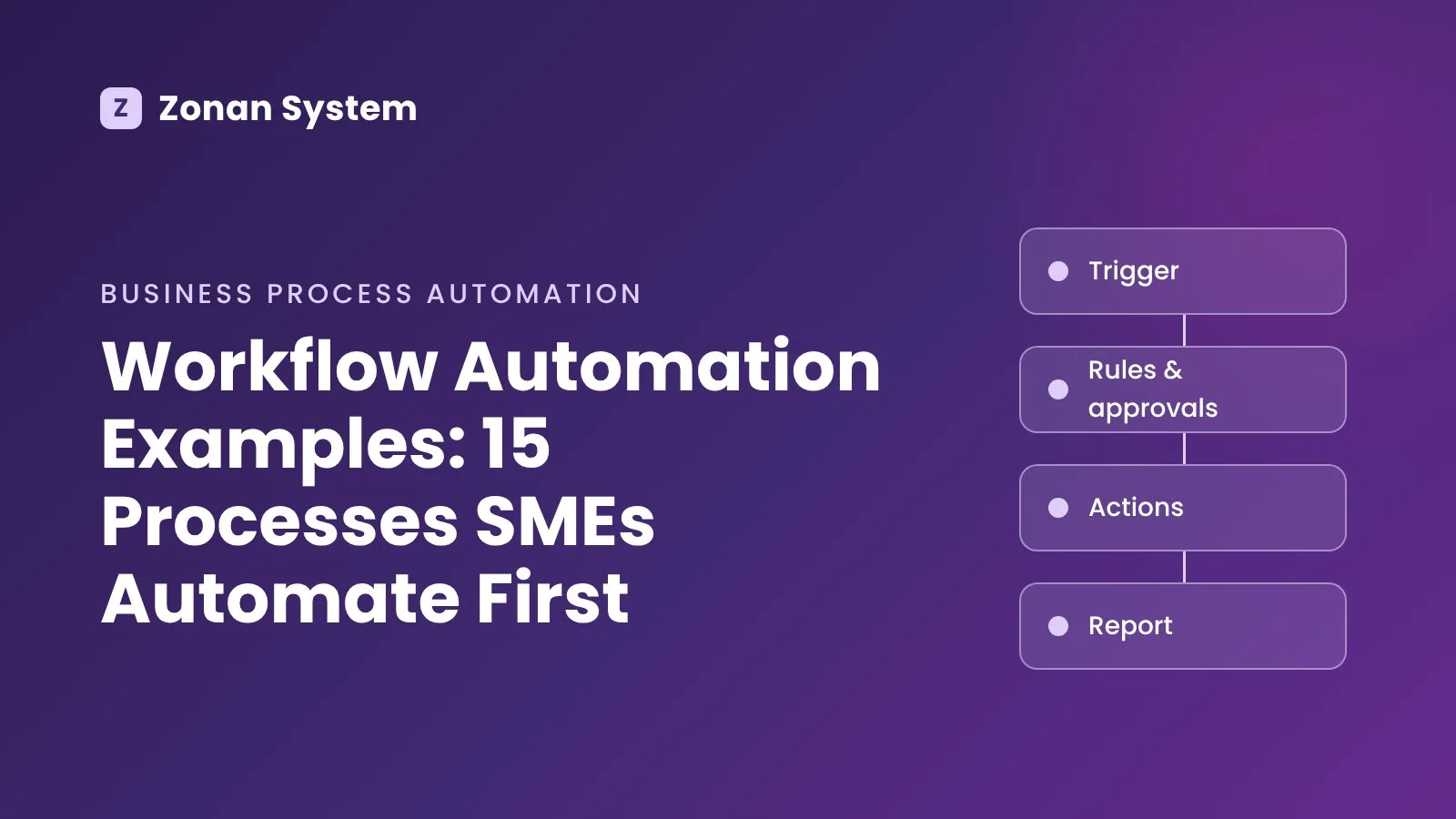
A workflow typically has three parts: a trigger (a form is submitted, an invoice becomes overdue, a date arrives), one or more conditions (is the amount above a limit? is this a new customer?) and the actions that follow (create a record, notify someone, send a document).
How to spot a process worth automating
Before looking at examples, it helps to know what a good candidate looks like. A process is usually worth automating when most of these are true:
- It happens often — daily or weekly rather than twice a year.
- It follows rules you could write down as "if this, then that".
- It moves data between tools, such as a web form, a spreadsheet, a CRM and an accounting package.
- Mistakes are costly — a missed renewal, a wrong price or a lost lead.
- Delays hurt — customers or colleagues are waiting for the next step.
If a task is rare, changes every time or depends on delicate human judgement, leave it manual for now.
15 workflow automation examples for SMEs
Finance and accounting
1. Invoicing and payment reminders. When a job is marked complete or a subscription renews, an invoice is created in your accounting system and e-mailed to the customer. If it is still unpaid after a set number of days, polite reminders go out automatically and the account manager is told when a payment is seriously overdue.
2. Expense and purchase approvals. Staff submit an expense or a purchase request through a simple form. The workflow routes it to the right manager based on amount and department, records the decision and passes approved items to finance — no more lost e-mails or "did you sign that off?" messages.
3. Supplier bill capture. Bills arriving in a shared mailbox are read, matched to the supplier and the purchase order, and drafted in your accounting software for a person to check and approve. Reading documents is a step where AI can genuinely help, as long as someone reviews the result.
Sales and customers
4. Lead capture and routing. Every enquiry from your website, e-mail, WhatsApp or a marketplace is saved in the CRM with its source, assigned to the right salesperson and acknowledged straight away. Speed matters here: we explain why in why sales teams lose leads.
5. Quote follow-up. When a quote is sent, the workflow schedules follow-ups, reminds the salesperson if the customer has not replied and updates the deal stage when the quote is accepted or declined.
6. Bookings and reminders. Customers pick a time online, the slot is blocked in the calendar, a confirmation is sent and reminders by SMS or e-mail reduce no-shows. This is the core of an online booking system, and it often connects to payments and staff rotas. Our online booking system guide covers features, costs and set-up.
7. Customer onboarding. When a deal is won, the workflow sends the welcome pack, creates the customer's account, schedules the kick-off call and opens the first tasks for your delivery team, so every new client gets the same good start.
Operations
8. Order processing and status updates. An order from your website or sales team creates the job, informs the warehouse or production team and keeps the customer updated at each stage, from "received" to "dispatched".
9. Stock alerts and reordering. When stock falls below a minimum level, the right person is notified or a draft purchase order is prepared for the usual supplier.
10. Contract and renewal tracking. Insurance policies, software licences, leases, certificates and service contracts are logged with their end dates, and reminders go out well before anything expires.
People and administration
11. Employee onboarding. A new starter triggers accounts, equipment requests, contract documents and a first-week checklist, with each task owned by the right person.
12. Leave and absence requests. Requests are submitted in one place, approved by the line manager, added to the shared calendar and counted against the remaining allowance.
13. Document generation and e-signature. Proposals, contracts and letters are produced from templates with the customer's details filled in, sent for electronic signature and filed automatically once signed.
Reporting and service
14. Scheduled KPI reports. Instead of building a spreadsheet at the end of each month, data from sales, finance and operations is collected into a live dashboard or a weekly summary e-mail for managers.
15. Support request triage. Incoming messages are categorised, prioritised and routed to the right team; common questions can be answered instantly by an assistant. Our guide to the AI chatbot for small business covers that part in more detail.
The 15 examples at a glance
| Workflow | Team | Typical trigger | Usual effort |
|---|---|---|---|
| Invoicing and payment reminders | Finance | Job completed, invoice overdue | Low |
| Expense and purchase approvals | Finance | Form submitted | Low to medium |
| Supplier bill capture | Finance | Bill arrives by e-mail | Medium (document reading) |
| Lead capture and routing | Sales | New enquiry | Low |
| Quote follow-up | Sales | Quote sent | Low |
| Bookings and reminders | Sales / service | Customer books online | Medium |
| Customer onboarding | Delivery | Deal won | Medium |
| Order processing and updates | Operations | New order | Medium |
| Stock alerts and reordering | Operations | Stock below minimum | Low to medium |
| Contract and renewal tracking | Admin | Date approaching | Low |
| Employee onboarding | HR | New starter added | Medium |
| Leave and absence requests | HR | Request submitted | Low |
| Document generation and e-signature | Sales / admin | Deal or record ready | Low to medium |
| Scheduled KPI reports | Management | Schedule (weekly, monthly) | Medium (data quality) |
| Support request triage | Customer service | New message | Medium (AI involved) |
"Effort" here is a rough guide for a business with tidy data and modern cloud tools; older systems or messy data push any workflow up a level.
Automation tools or custom workflow automation?
Many of these workflows can be built with the tools you already have. Accounting packages such as Xero and QuickBooks include their own invoice reminders, CRMs have built-in sequences, and integration platforms such as Zapier, Make, n8n and Microsoft Power Automate connect thousands of apps without code. For simple, linear workflows they are often the fastest and cheapest route, and we compare several of them in our guide to the best AI tools for business.
Off-the-shelf automation starts to struggle when:
- the process has many branches, exceptions and approval levels;
- it relies on a legacy or in-house system with no ready-made connector;
- the volume is high and per-task pricing becomes expensive;
- you need proper audit trails, permissions and data protection (for example under UK GDPR);
- the workflow is part of your product or service and gives you an edge over competitors.
At that point a purpose-built solution, or a hybrid of a ready-made core plus custom software development for the parts that matter, is usually more reliable. Our article on bespoke vs off-the-shelf software walks through that decision.
Where AI fits into workflow automation
Classic automation follows fixed rules. That is ideal when the logic is clear, such as "send a reminder seven days after the due date". AI is useful for the steps that rules cannot handle well: reading an invoice or a CV, understanding the intent of a customer e-mail, summarising a call or drafting a reply for a person to approve.
A good rule of thumb is to automate the predictable steps with rules first, then add AI at specific decision points, with a human checking anything important. When a system needs to plan and carry out several steps on its own, it becomes an AI agent; our AI agent development page and the AI agent implementation roadmap explain when that is worth it.
How to start: a five-step plan
- List your repetitive tasks. Ask each team which tasks they repeat every week and which ones cause errors or delays.
- Pick one process. Choose something frequent, rule-based and visible, such as invoice reminders or lead routing.
- Map it on paper. Write down the trigger, each step, who is involved, which tools hold the data and what happens when something goes wrong.
- Build, test and run in parallel. Automate the workflow, test it with real examples and keep the old way running for a short period until you trust the result.
- Measure and expand. Track the time saved, the errors avoided and how quickly customers get a response, then move on to the next process.
Common pitfalls to avoid
- Automating a broken process. If the manual process is confusing, automation simply makes the confusion faster. Simplify first.
- No owner. Every workflow needs a named person who is told when it fails and who updates it when the business changes.
- Too many disconnected tools. Ten small automations in five platforms are hard to maintain. Keep an inventory of what runs where.
- Ignoring exceptions. Decide in advance what happens when data is missing or a step fails, and make sure a person is alerted.
- Forgetting data protection. Personal data should only flow to tools that need it, under proper agreements and access controls.
Frequently asked questions
What is a simple example of workflow automation?
A website enquiry form that automatically creates a contact in your CRM, sends the customer an acknowledgement and notifies the right salesperson is one of the simplest and most useful examples. It takes minutes of manual work out of every lead and makes sure no enquiry is forgotten.
Which business processes should a small business automate first?
Start with frequent, rule-based tasks that touch customers or cash: invoicing and payment reminders, lead capture and follow-up, booking confirmations and reminders, and approvals. These usually save the most time and prevent the most costly mistakes.
Is workflow automation the same as business process automation?
They overlap. Workflow automation usually refers to automating a specific sequence of tasks, while business process automation looks at a whole process end to end, often across several teams and systems, and may redesign it before automating it.
Do I need to replace my current software to automate workflows?
Usually not. Most automation connects the tools you already use through their integrations or APIs. Custom modules are only needed where no suitable tool or connector exists, or where an existing system cannot support the process.
How much does workflow automation cost?
It depends on the number of steps, systems and exceptions. Simple workflows built on existing tools may only cost a subscription and a few hours of set-up. As an indicative guide, a custom automation of one process with one or two integrations often falls in the $5,000 to $20,000 range; our custom software development cost guide explains what drives the price.
Conclusion: automate the boring, keep the human
The most valuable workflow automation examples are rarely glamorous. They are the reminders, approvals, hand-offs and reports that quietly consume your team's week. Automating them gives people time back for customers and decisions, and it makes your business more consistent as it grows. If you would like help choosing the first process and building it properly, take a look at our workflow automation services or book a free consultation with the Zonan System team.
Zonan System Team
Software & AI team
Developers, designers and AI engineers at Zonan System, writing about practical AI, software development and digital business.
Need advice for your project?
Zonan System experts will guide you for free.
Comments (0)
Be the first to comment.