AI Chatbot Development Cost: A Practical Pricing Guide
How much does AI chatbot development cost? Indicative budgets by chatbot type, what drives the price, running costs and how to start small without wasting money.
Ask ten agencies what a chatbot costs and you will hear ten different numbers. That is not because anyone is hiding the price, but because "chatbot" covers everything from a ready-made widget that answers a few questions to an AI agent that books appointments, updates your CRM and hands complex cases to a person. This guide breaks down AI chatbot development cost in plain terms: the main options, indicative budgets for each, what pushes the price up or down, the running costs that are easy to forget, and how to start small without wasting money.
Key takeaways
- The biggest cost driver is not the AI model but what the chatbot has to do: answer questions, connect to your systems, or take actions on its own.
- A ready-made chatbot subscription is the cheapest way to start; a custom AI chatbot makes sense when it must use your own data, follow your processes or integrate with your software.
- As an indicative guide, custom AI chatbots and agents built by a development team typically fall between $8,000 and $50,000+, plus ongoing usage and support.
- Budget for running costs from day one: model usage, hosting, monitoring, content updates and improvements.
- Start with one high-value use case, measure the results, then expand — it is the most reliable way to control cost and risk.
What does "AI chatbot development" actually include?
A modern AI chatbot is usually built on a large language model (LLM), but the model is only one piece. A production-ready chatbot also needs:
- Knowledge: your website content, FAQs, policies, product information or documents, prepared so the chatbot can find the right answer (often called retrieval-augmented generation, or RAG).
- Conversation design: tone of voice, what the bot should and should not answer, and when to hand over to a person.
- Integrations: connections to your CRM, booking system, order database, helpdesk or messaging channels such as WhatsApp.
- Guardrails and security: limits on what data the bot can see, protection against misuse and logging of every action.
- An admin side: a way to review conversations, update content and see what customers are asking.
- Testing, launch and support: checking answers against real questions, monitoring after go-live and improving over time.
Every one of these takes time, and the time is what you pay for. That is why two "chatbots" can differ in price by a factor of five or more.
Your three main options
1. A ready-made chatbot platform
Many helpdesk, website-builder and CRM vendors offer AI chatbot features on a monthly subscription. You upload your content, adjust a few settings and add a widget to your site. This is the fastest and cheapest route, and for a small business with simple questions it is often enough. The trade-offs are limited control over behaviour, fewer integrations with your own systems, and pricing that can rise with the number of conversations, users or features. Always check the vendor's current pricing page and what happens to your data.
2. A configured or semi-custom chatbot
Here a development team takes an existing platform or framework and tailors it: connecting it to your knowledge base, styling it to your brand and adding one or two integrations, such as creating a lead in your CRM. It costs more than a subscription alone but far less than a full custom build, and it suits businesses that need a few specific behaviours.
3. A custom AI chatbot or AI agent
A custom build is designed around your processes. It can check availability and book appointments, look up orders, qualify leads, draft replies for staff to approve or update records across several systems. When a chatbot starts taking actions rather than only answering questions, it becomes an AI agent. This is where AI agent and chatbot development delivers the most value, and also where the budget needs the most care.
Indicative AI chatbot development cost by type
The table below gives indicative ranges for custom work, in US dollars, based on typical scope. They are not quotes: your price depends on your requirements, data and integrations. They are consistent with the ranges in our wider custom software development cost guide.
| Type of chatbot | Typical scope | Indicative budget (USD) | Typical timeline |
|---|---|---|---|
| Ready-made platform | Vendor widget trained on your website or FAQs | Monthly subscription (check vendor pricing) | Days |
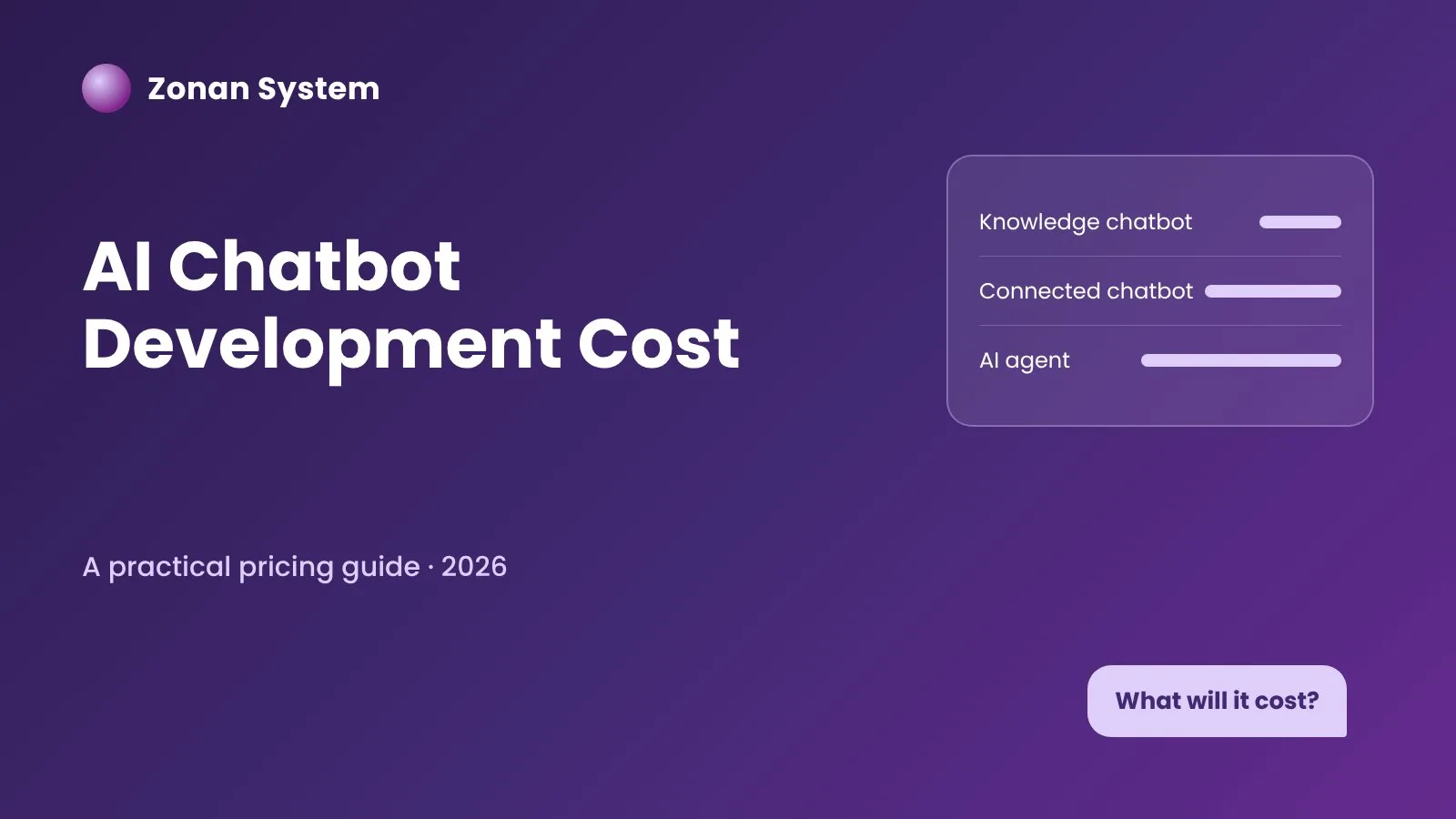
| Knowledge chatbot (custom) | Answers questions from your documents and website, hands over to staff, basic admin view | $8,000 – $15,000 | 4–6 weeks |
| Connected chatbot | As above, plus 1–3 integrations such as CRM, booking or order lookup; WhatsApp or web channel | $15,000 – $30,000 | 6–8 weeks |
| AI agent | Takes actions across several systems, with approval steps, audit logs and reporting | $30,000 – $50,000+ | 8–10+ weeks, often in phases |
All custom options also carry usage costs for the AI model and hosting, which we cover below.
What drives the cost up or down?
Scope and number of tasks
A bot that answers questions about opening hours and services is quick to build and test. Each extra task — taking bookings, handling returns, qualifying leads — adds conversation design, integration work and test cases. Starting with one well-defined task is the single biggest saving available.
Integrations with your systems
Connecting to modern software with a documented API is usually straightforward. Older systems, spreadsheets or tools without an API take longer and sometimes need a small middleware layer. If the chatbot is part of a wider process, it may make sense to combine it with workflow automation so that the data flows correctly after the conversation ends.
Quality and structure of your content
A chatbot can only be as accurate as the information it is given. Well-organised, up-to-date FAQs and documents keep costs down. Scattered PDFs, contradictory policies or outdated pages mean extra time cleaning and structuring content before the bot can rely on it.
Channels
A single website widget is the simplest channel. Adding WhatsApp, Facebook Messenger, SMS, email or voice increases the work, because each channel has its own formatting rules, approval processes and limits.
Languages
Modern language models handle many languages well, but each language still needs its own content, testing and review. Budget extra time if your customers expect support in more than one language.
Security, privacy and compliance
If the chatbot handles personal data, payments or health-related information, it needs stricter access controls, data minimisation, logging and possibly hosting in a specific region. In the UK and EU that means designing with UK GDPR and GDPR in mind from the start. Our article on AI agent security architecture explains the main safeguards.
Human handover and admin tools
A good chatbot knows when to pass a conversation to a person, with the history attached. Building that handover into your helpdesk or inbox, plus an admin panel to review conversations and update answers, adds cost but makes the system far more useful day to day.
Running costs: what you pay after launch
The build is only part of the total cost of ownership. Plan for these ongoing items:
- AI model usage. Most commercial models charge per amount of text processed. The cost depends on the model you choose, the length of conversations and the volume of traffic. For many small and mid-sized businesses this is modest, but it should be estimated and monitored.
- Hosting and infrastructure. Servers, databases and the search index that holds your content.
- Channel fees. Some messaging channels, such as the WhatsApp Business Platform, charge for certain types of message.
- Monitoring and improvement. Reviewing conversations, fixing wrong answers and adding new content as your business changes.
- Maintenance. Updating integrations when connected systems change, and keeping libraries and models up to date.
Ask any provider for an estimate of monthly running costs at your expected volume before you commit, and agree how support will be handled after launch. Our guide to AI project budgeting covers the hidden costs that most often catch companies out.
Ready-made vs custom: which is better value?
Value depends on what the chatbot needs to achieve, not only on the price tag.
- Choose a ready-made platform if your questions are general, you do not need deep integrations and you want to test demand quickly. Our AI assistants shop category lists ready-to-use options.
- Choose a custom chatbot or agent if it must work with your own systems and data, follow specific business rules, take actions such as bookings or order changes, or if subscription fees would grow uncomfortably with volume.
The same reasoning applies to software in general; our comparison of bespoke vs off-the-shelf software walks through the trade-offs in more detail.
How to keep your chatbot budget under control
- Pick one use case with a clear goal. For example, "answer the 30 most common customer questions" or "qualify website enquiries and book a call". Write down how you will measure success.
- Collect real questions. Export emails, chat logs or call notes so the bot is designed around what customers actually ask.
- Prepare your content. Tidy up FAQs, policies and product information before development starts.
- Build a pilot first. A focused pilot over a few weeks shows what works before you invest in more channels or integrations.
- Keep a human in the loop. Let staff approve sensitive actions and take over difficult conversations.
- Measure and expand. Track resolved questions, handovers, leads and bookings, then add the next use case where the numbers justify it.
This phased approach is the same one we describe in our AI agent implementation roadmap. If you want to see the kinds of results a well-designed bot can support, read how an AI chatbot for small business drives growth.
Questions to ask a chatbot development company
- Which AI model will you use, and can it be changed later?
- Where will our data be stored and processed, and is it used to train anyone's models?
- How will the chatbot avoid making up answers, and what happens when it does not know?
- What is included in the price: content preparation, integrations, admin panel, training, support?
- What are the expected monthly running costs at our volume?
- Who owns the code, prompts and configuration at the end of the project?
For a broader checklist, see how to choose a software development company.
Frequently asked questions
How much does it cost to build an AI chatbot?
A ready-made chatbot can start with a monthly subscription. A custom AI chatbot built by a development team typically costs, as an indicative range, from around $8,000 for a focused knowledge chatbot to $50,000 or more for an AI agent that works across several systems, plus ongoing usage and support costs.
How long does AI chatbot development take?
A focused custom chatbot can usually be delivered in four to six weeks. Chatbots with several integrations take around six to eight weeks, and AI agents that take actions across systems are often delivered in phases over two to three months or more.
What are the monthly costs of running an AI chatbot?
Monthly costs cover AI model usage, hosting, any messaging channel fees, and support and improvements. They depend mainly on conversation volume and the model chosen, so ask for an estimate based on your expected traffic.
Is a custom chatbot worth it for a small business?
It can be, if the chatbot saves staff time on repetitive questions, captures leads out of hours or takes bookings automatically. If your needs are simple, start with a ready-made tool and move to a custom build when you hit its limits.
What is the difference between an AI chatbot and an AI agent?
An AI chatbot mainly answers questions in a conversation. An AI agent can also take actions — such as booking an appointment, updating a CRM record or creating a support ticket — usually with rules and approval steps that keep people in control.
Can an AI chatbot be GDPR compliant?
Yes, if it is designed for it: collect only the data you need, tell users how it is used, control who can access conversations, choose appropriate hosting and keep records of processing. Compliance depends on both the technology and how you use it.
Conclusion
AI chatbot development cost depends far more on what the chatbot must do than on the technology itself. Start with a clear use case, prepare your content, build a pilot and plan for running costs, and you will avoid most budget surprises. If you would like an estimate for your own project, our London-based team offers a free consultation — or explore our AI agent and chatbot development services to see how we work.
Zonan System Team
Software & AI team
Developers, designers and AI engineers at Zonan System, writing about practical AI, software development and digital business.
Need advice for your project?
Zonan System experts will guide you for free.

Comments (0)
Be the first to comment.