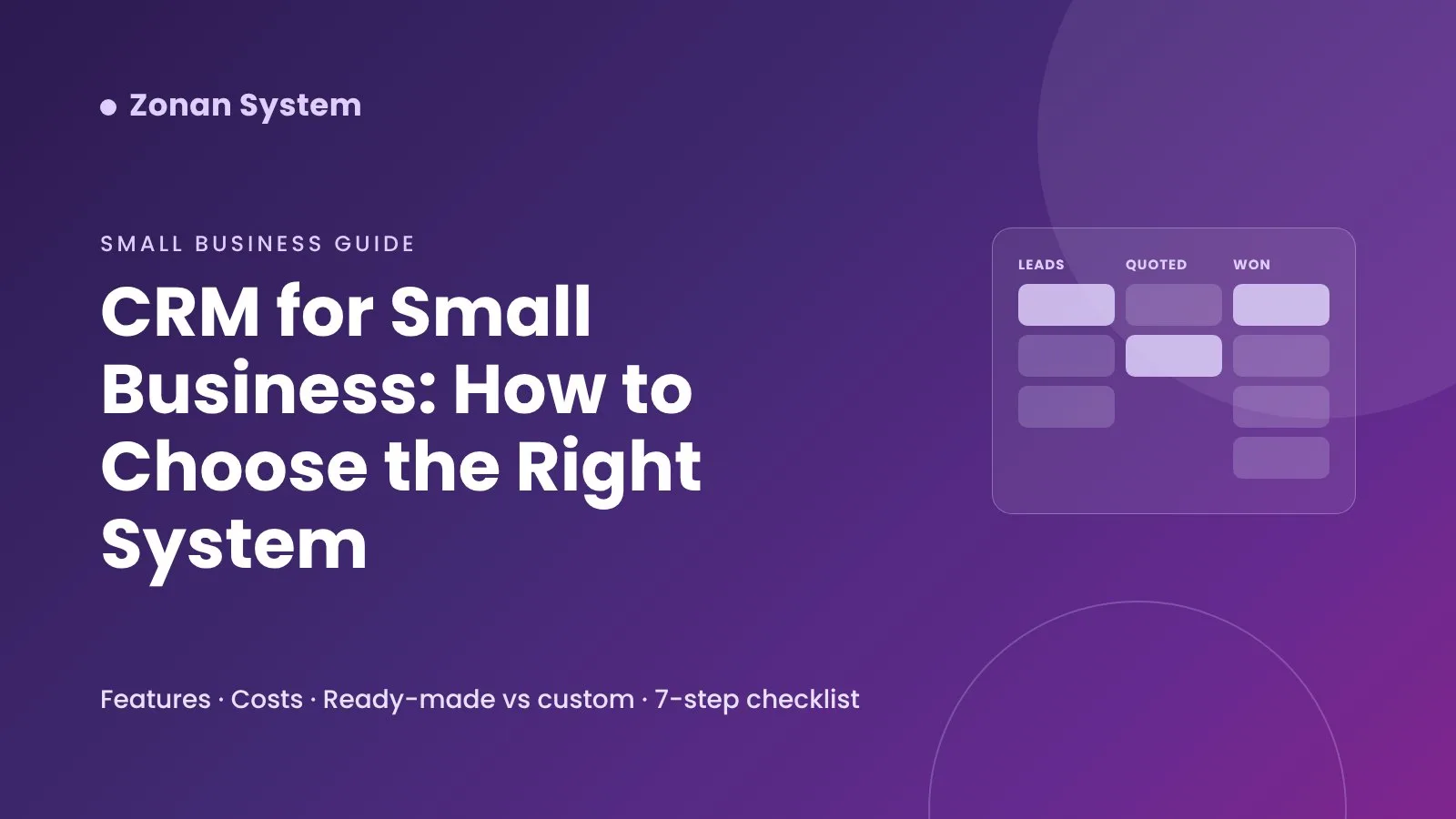
CRM for Small Business: How to Choose the Right System
How to choose a CRM for small business: must-have features, types of CRM, ready-made vs custom, what drives the cost and a 7-step selection checklist.
Most small businesses start with a spreadsheet, an inbox and a lot of memory. That works until it doesn't: a quote goes unanswered, a regular customer is forgotten, or nobody can say which enquiries turned into sales. A CRM for small business fixes that by keeping every customer, conversation and opportunity in one place. This guide explains what a CRM should do for a small team, the main types on the market, what drives the cost, and a simple step-by-step way to choose — including when a ready-made system is enough and when a custom CRM makes more sense.
Key takeaways
- A CRM (customer relationship management system) is a shared record of every customer, enquiry, deal and follow-up, so nothing depends on one person's memory.
- For most small businesses the must-haves are contact records with a full history, a simple sales pipeline, tasks and reminders, basic reports and integration with email, booking or invoicing.
- Start with your process, not a feature list: map how a lead becomes a customer, then pick the system that fits that flow with the least configuration.
- Ready-made CRMs suit standard sales processes; a custom or industry-specific CRM pays off when your workflow, memberships, bookings or invoicing are unusual.
- The total cost is more than the subscription: include set-up, data migration, integrations, training and the time your team spends using it.
What is a CRM and why does a small business need one?
A CRM is software that stores everything you know about your customers and prospects — contact details, where they came from, what they bought, what was said and what should happen next. Instead of information living in personal inboxes, phones and spreadsheets, the whole team works from the same record.
For a small business the benefits are practical rather than abstract:
- Faster follow-up. New enquiries are logged and assigned straight away, with a reminder if nobody responds.
- Fewer lost opportunities. Quotes, renewals and repeat purchases have a next step and a date, so they do not quietly expire.
- Better service. Anyone who picks up the phone can see the customer's history, not just the person who usually deals with them.
- Clear numbers. You can see how many leads you get, where they come from and how many become paying customers.
- Less admin. Reminders, confirmations and routine emails or SMS messages can be sent automatically.
Signs your business has outgrown spreadsheets
You do not need a CRM on day one, but these signs usually mean it is time:
- More than one person handles customers and they keep asking each other for updates.
- Leads arrive from several channels — website forms, phone, email, social media, marketplaces — and some are missed.
- You cannot quickly answer "how many enquiries did we get last month, and how many did we win?"
- Follow-ups depend on sticky notes, calendar entries or someone's memory.
- Customer data is copied between your booking tool, invoicing and email marketing by hand.
If several of these sound familiar, the cost of lost leads is probably already higher than the cost of a CRM. Our article on why sales teams lose leads looks at this problem in more detail.
Must-have CRM features for a small business
Large CRM platforms offer hundreds of features. A small business needs a short list done well.
Contact and company records with a timeline
Each customer should have one record showing contact details, lead source, owner, tags, notes and a timeline of calls, emails, meetings, quotes and payments. Fast search and easy import from Excel or CSV matter more than exotic fields.
A simple sales pipeline
A drag-and-drop board with stages such as New enquiry → Contacted → Quote sent → Won / Lost shows where every opportunity stands. Recording why deals are lost is one of the most useful habits a small team can build.
Tasks, calendar and reminders
Every open opportunity should have a next action and a due date. Reminders by email, in-app notification or SMS stop follow-ups from slipping.
Email and SMS communication
Logging emails automatically and sending templated messages — appointment reminders, quote follow-ups, renewal notices — saves hours each week. Check how messages are sent and what consent records are kept.
Reports you will actually read
Start with a handful: new leads by source, conversion rate, revenue won, open pipeline and overdue tasks. Export to Excel or PDF is useful for meetings and accountants.
Integrations
The CRM should connect to the tools you already use: website forms, email, calendar, accounting, online payments and, for service businesses, an online booking system. Poor integration is the most common reason a CRM ends up half-used.
Permissions, security and data protection
Roles such as owner, manager and staff, an audit log and secure sign-in protect customer data. If you serve UK or EU customers, the system must help you meet UK GDPR or GDPR obligations — for example exporting or deleting a person's data on request.
Mobile access
If your team works on the road, in a shop or on site, check the mobile app or mobile web version before you commit.
Types of CRM for small businesses
CRMs fall into a few broad groups. The right one depends on how standard your sales process is and how much of your operation you want in one system.
| Type | Best for | Strengths | Watch out for |
|---|---|---|---|
| Free or entry-level general CRM | Very small teams starting out | Quick to start, low or no cost, familiar features | Limits on users, contacts or automation; costs rise as you add paid tiers |
| Sales-pipeline CRM | Teams that sell through quotes and follow-ups | Clear pipeline, activity reminders, forecasting | Less suited to bookings, memberships or service delivery |
| All-in-one business suite | Businesses wanting marketing, sales and service together | One vendor, many built-in modules | Complexity, add-on pricing, features you never use |
| Industry-specific CRM | Gyms, salons, clinics, estate agents, schools and similar | Built-in bookings, memberships or listings that fit the sector | Less flexible if your process differs from the template |
| Custom-built CRM | Businesses with unusual workflows or many systems to connect | Fits your process exactly, you own the roadmap and data | Higher up-front investment and the need for a reliable development partner |
Well-known general CRMs include HubSpot, Zoho CRM, Pipedrive, Salesforce and Microsoft Dynamics 365. Several vendors offer free plans with limits on users, features or contacts — useful for testing your process before you pay for anything.
Ready-made or custom CRM: which is right for you?
For a business with a standard sales process — enquiry, quote, follow-up, sale — a ready-made CRM is usually the sensible first step. You can be up and running in days and learn what you really need.
A custom CRM starts to make sense when:
- your process combines sales with bookings, memberships, contracts, field visits or approvals that off-the-shelf tools handle badly;
- you are paying for several tools and copying data between them by hand;
- per-user subscription costs grow quickly as your team expands;
- you need specific integrations, reporting or data-hosting arrangements;
- the CRM is part of a product or service you offer to your own clients.
We compare the trade-offs in depth in bespoke vs off-the-shelf software. If a tailored system looks right, our custom software development team can scope it with you, and our web application development service covers customer portals and admin panels that sit alongside a CRM.
How much does a CRM for small business cost?
Prices change often and vary by vendor, so check current pricing pages before you decide. What matters more is understanding how the cost is built up:
- Subscription. Most ready-made CRMs charge per user per month, with feature tiers. Automation, advanced reports and integrations are often reserved for higher tiers.
- Add-ons. SMS credits, extra storage, marketing contacts and premium integrations can be billed separately.
- Set-up and data migration. Cleaning and importing existing customer data takes time, whether you do it yourself or pay for help.
- Training and adoption. A CRM nobody updates has no value; plan time for training and simple house rules.
- Custom development. A custom CRM is a one-off project plus hosting and support. The total depends on scope, integrations and design.
For budgeting a tailored system, see our custom software development cost guide, which explains the main cost drivers and pricing models.
How to choose a CRM in 7 steps
- Map your customer journey. Write down how a lead arrives, who responds, what happens next and when someone becomes a customer. Include renewals and repeat sales.
- List the must-haves. Separate essentials (pipeline, reminders, reports, one or two integrations) from nice-to-haves.
- Check integrations first. Confirm the CRM works with your email, calendar, website forms, accounting and booking tools.
- Shortlist two or three options. Include at least one industry-specific option if one exists for your sector.
- Run a real trial. Import a sample of real contacts and run a week of genuine enquiries through it with the people who will use it every day.
- Work out the total cost. Price the plan you will need in a year, not just the starter tier, and add set-up, migration and training.
- Plan the roll-out. Agree pipeline stages, required fields and who owns each lead. Keep the first version simple and improve it monthly.
Adding AI and automation to your CRM
A CRM records what happened; automation and AI help decide and do what happens next. Practical examples for small businesses include:
- Instant replies to new enquiries by email, SMS or chat, with the lead logged and assigned automatically.
- AI lead follow-up and prioritisation, suggesting who to call first based on behaviour and fit.
- Chatbots on your website that answer common questions, qualify enquiries and create CRM records — see how AI chatbots help small businesses grow.
- Automated workflows for quotes, invoices, renewals and reminders — our list of workflow automation examples shows where to start.
If your CRM is in place but sales are not improving, the problem is often missing follow-up rather than missing features; we explain why in why your CRM is not increasing sales. Our AI agent development and workflow automation services connect AI assistants and automations to the CRM you already use.
Common mistakes when choosing a CRM
- Choosing on brand name or feature count instead of fit with your process.
- Importing years of messy data without cleaning duplicates and outdated contacts first.
- Building a pipeline with too many stages and required fields, so the team stops updating it.
- Ignoring integrations until after purchase.
- Not giving anyone ownership of the CRM and its data quality.
- Paying for an all-in-one suite when you only use the contact list.
Example: a CRM built for service businesses
Many small businesses — gyms, salons, clinics, schools and agencies — need more than a sales pipeline. Our own CRM software case study shows what an industry-friendly CRM can include: 360° customer records, Kanban sales pipelines, a calendar with SMS reminders, memberships and check-in, invoices with online payment, a customer portal and clear reports, with roles and permissions for each team member. Ready-to-use plans are listed in our CRM and sales software shop category.
Frequently asked questions
What is the best CRM for a small business?
There is no single best CRM for every small business. The best choice is the one that matches your sales process, connects to the tools you already use and that your team will actually update. Shortlist two or three options and trial them with real enquiries before you commit.
Is there a free CRM for small business?
Yes. Several vendors, including HubSpot and Zoho, offer free plans. They are a good way to test your process, but check the limits on users, contacts, automation and support, and what the next paid tier will cost as you grow.
Do I need a CRM if I only have a few customers?
Not always. If one person handles a small number of customers, a well-organised spreadsheet can work. A CRM becomes worthwhile when several people deal with customers, leads come from several channels or follow-ups start to be missed.
How long does it take to set up a CRM?
A ready-made CRM for a small team can be configured in days, though cleaning and importing data and training the team often takes a few weeks. A custom CRM is a development project, usually delivered in phases so the core features go live first.
Can a CRM integrate with my booking and accounting software?
Most modern CRMs offer integrations or an API, but coverage varies. Check the specific tools you use before buying. Where no integration exists, a custom connector or automation can usually sync customers, bookings and invoices.
Is a CRM GDPR compliant?
A CRM can support compliance, but compliance depends on how you use it. Look for access controls, audit logs, data export and deletion, consent records and clear information on where data is hosted.
Conclusion
The right CRM for a small business is simple enough to use every day and connected enough to remove manual work. Start from your customer journey, trial a short list with real data and count the full cost. If your process does not fit standard tools, or you want AI follow-up and automation built around your CRM, book a free consultation and we will help you choose or build the right system.
Zonan System Team
Software & AI team
Developers, designers and AI engineers at Zonan System, writing about practical AI, software development and digital business.
Need advice for your project?
Zonan System experts will guide you for free.
Comments (0)
Be the first to comment.