
Replace Spreadsheets with Custom Software: When and How to Make the Move
Outgrown Excel? The signs it is time to replace spreadsheets with custom software, a 7-step plan and how to migrate your data without losing history.
If your business runs on spreadsheets, you are in good company: Excel and Google Sheets are where most processes start. But there comes a point where the spreadsheet starts running you — versions multiply, formulas break, nobody is sure which file is current and one person's absence stops the work. This guide explains when it is time to replace spreadsheets with custom software, how the move works step by step and how to migrate your data without losing history.
Key takeaways
- Spreadsheets are excellent for analysis and prototypes, but weak as shared operational systems.
- The clearest signs you have outgrown them: several versions of the truth, manual copying, errors in formulas and no audit trail.
- Moving to custom software works best one process at a time, starting with the spreadsheet that hurts most.
- Your historical data can be cleaned and imported, and you can still export to Excel whenever you need to.
Why spreadsheets stop scaling
A spreadsheet is a flexible grid, not a system. That flexibility is exactly what makes it fragile once several people depend on it:
- Multiple versions. "Orders_final_v3_Sarah.xlsx" and its cousins circulate by e-mail, and nobody knows which one is right.
- No real permissions. Anyone with the file can change anything, including formulas and historical data.
- No audit trail. When a number changes, you rarely know who changed it or why.
- Manual copying. The same customer or order is typed into three files and a CRM.
- Hidden errors. A broken formula or a pasted value silently corrupts a report.
- No automation. Reminders, approvals and notifications depend on someone remembering.
Spreadsheet vs custom software: a comparison
| Criterion | Spreadsheets | Custom software |
|---|---|---|
| Single source of truth | Hard — files multiply | One central database |
| User permissions | Basic, file-level | Role-based, down to individual fields |
| Audit trail | Limited | Every change logged |
| Workflows and approvals | Manual | Built in, with notifications |
| Integrations | Copy and paste, add-ons | APIs to accounting, CRM, e-mail, payments |
| Mobile use | Awkward | Responsive web app |
| Reporting | Built by hand | Live dashboards plus Excel export |
Signs it is time to replace your spreadsheets
- More than three people edit the same file every day.
- You spend hours each week reconciling numbers between files.
- A mistake in a spreadsheet has already cost you money or a customer.
- Only one person really understands how "the file" works.
- Managers wait days for reports that should be instant.
- Customers or partners need to see or update their own information.
How to move from spreadsheets to custom software in 7 steps
1. Map your spreadsheets
List every file, who uses it, what it is for and how often it changes. You will usually find a few "core" files that everything else depends on.
2. Pick the first process
Start with the spreadsheet that causes the most errors or wasted hours — often orders, jobs, stock or client follow-ups. One process at a time keeps risk low.
3. Turn columns into a data model
Each sheet usually hides several entities: customers, orders, products, payments. Separating them removes duplication and makes reporting reliable.
4. Define roles and rules
Who can create, approve, edit or only view each record? Which steps need approval, and who should be notified?
5. Design the screens
Good design keeps what people liked about the spreadsheet — fast entry, filters, sorting — and removes what they hated. See our approach to UI/UX design.
6. Migrate and clean the data
Historical data is cleaned (duplicates, inconsistent spellings, missing values) and imported in one go, so the new system is useful from day one.
7. Launch, train and retire the file
Run a short pilot with one team, train users, then archive the spreadsheet as read-only so there is no way back to two versions of the truth.
What your spreadsheets typically become
| Spreadsheet | Becomes |
|---|---|
| Customer list and follow-ups | A CRM with a sales pipeline — see our CRM software case study |
| Orders and jobs tracker | An order or job management system with statuses and notifications |
| Stock sheet | Inventory management with movements and low-stock alerts |
| Bookings calendar | An online booking system with reminders |
| Timesheets and tasks | A task management system |
| Approvals by e-mail | Workflow automation with an approval trail |
Should you use a no-code tool instead?
No-code databases and app builders are a good middle step for small teams with simple processes. They become limiting when you need complex permissions, many integrations, high data volumes, your own branding for customers, or full control over where data is stored. Our guide to bespoke vs off-the-shelf software covers this trade-off in detail.
Mistakes to avoid
- Copying the spreadsheet one-to-one. Use the move to remove steps, not to digitise every quirk.
- Migrating everything at once. Start with one process and expand.
- Leaving data cleaning to the end. It always takes longer than expected.
- Skipping training. People return to the spreadsheet when the new system feels unfamiliar.
A worked example: from order spreadsheet to order system
Imagine a wholesaler that takes orders by phone and e-mail and records them in a shared spreadsheet. Sales adds the order, the warehouse marks it picked, accounts adds the invoice number and someone copies delivery details into a courier website. Every handover is a chance for an error, and the manager rebuilds the weekly sales report by hand every Monday.
In a custom order system the same process looks like this:
- Sales enters the order once, choosing the customer and products from lists, so names and prices are always consistent.
- The warehouse sees new orders on a picking screen, ticks items as picked and the stock level updates automatically.
- The invoice is created in the accounting package through an integration, and its number is stored against the order.
- The courier booking is generated from the order, and the tracking link is e-mailed to the customer.
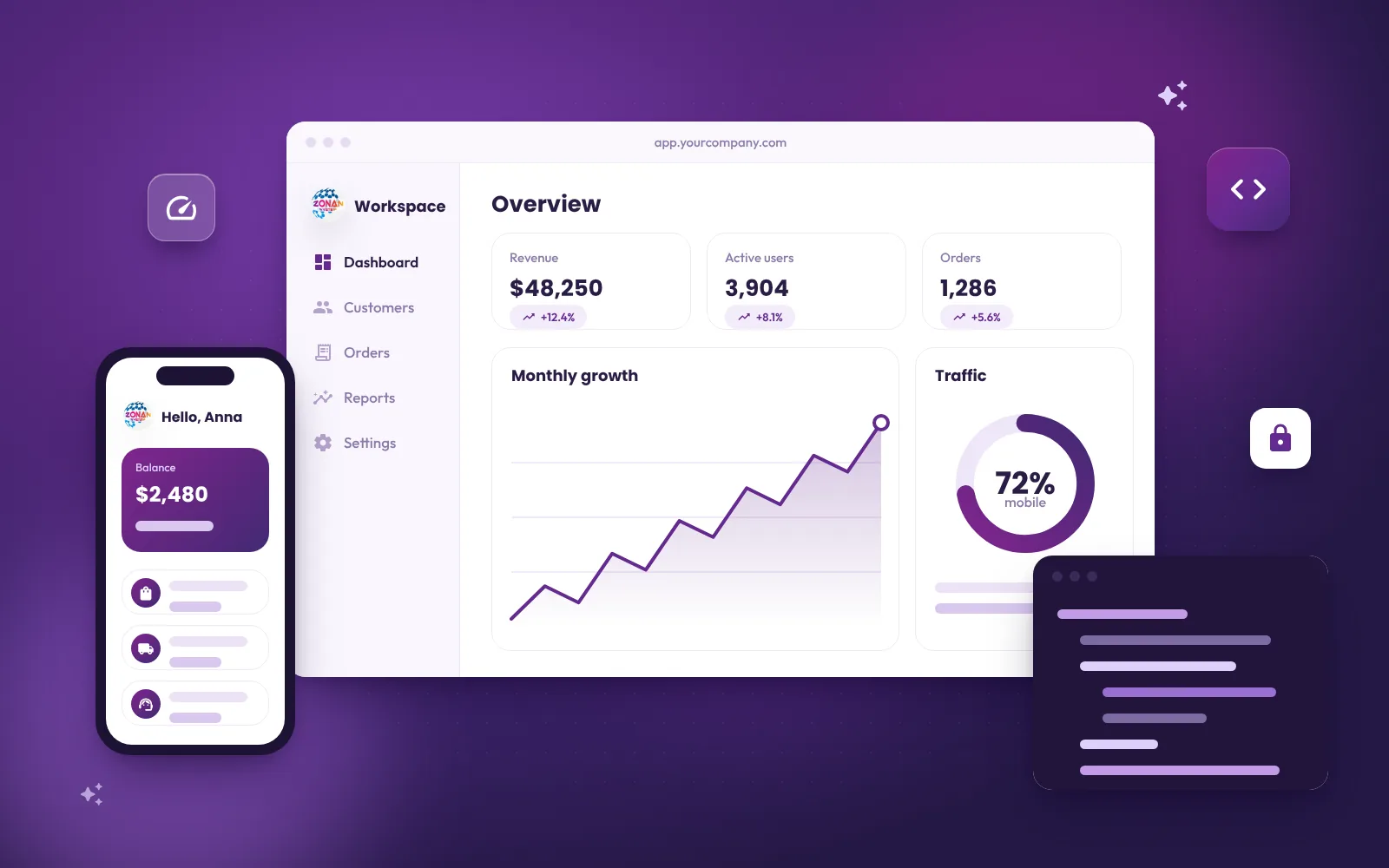
- The manager opens a live dashboard instead of waiting for Monday's report.
The spreadsheet does not disappear completely — anyone can still export a list to Excel — but it is no longer the place where the business lives.
How to build the business case
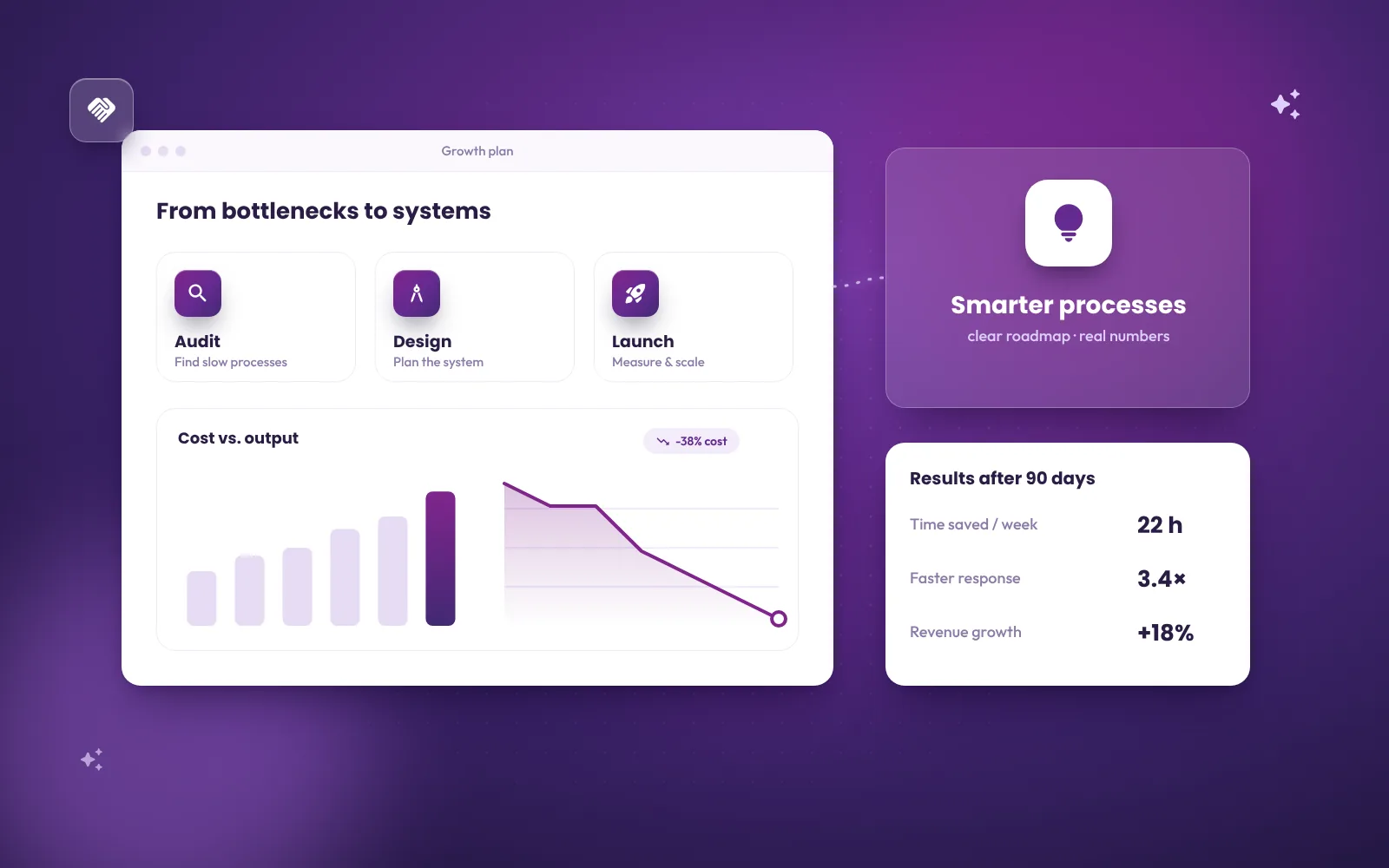
Before you invest, put rough numbers on the problem. Estimate the hours spent each week on copying, checking and reconciling data, the cost of recent mistakes (a wrong price, a missed delivery, a lost lead) and the time managers wait for reports. Compare that with the cost of a focused first version that removes the worst of it. In many small and mid-sized businesses the time saved in the first year alone justifies the move, and the reduced risk of errors is a bonus that is harder to measure but just as real.
Also consider what you cannot do today: give customers self-service access, add a second location, or hire without the spreadsheet becoming even more fragile. Custom software is often less about saving time than about making growth possible.
Frequently asked questions
Can we keep using Excel after moving to custom software?
Yes. Any list or report can be exported to Excel for ad-hoc analysis; the difference is that the master data now lives in one controlled system.
Will we lose our historical data?
No. Historical records are cleaned and imported during migration so reports and history remain available.
How long does it take to replace a spreadsheet with software?
A focused first version for one process typically takes a few weeks; larger systems are delivered in stages so you can start using them early.
Is custom software worth it for a small business?
It is when the spreadsheet is central to how you make money and errors or wasted hours are already costly. For standard needs, a ready-made product may be enough.
Can the new system connect to our accounting software?
Usually yes. Most modern accounting, CRM and payment platforms offer APIs, so data can flow automatically instead of being copied.
Next step
Tell us which spreadsheet slows your team down most. In a free consultation, our custom software development team will suggest the simplest way to turn it into a reliable system — or tell you honestly if a ready-made tool will do. Book a free consultation.
Related reading

Zonan System Team
Software & AI team
Developers, designers and AI engineers at Zonan System, writing about practical AI, software development and digital business.
Need advice for your project?
Zonan System experts will guide you for free.
Comments (0)
Be the first to comment.